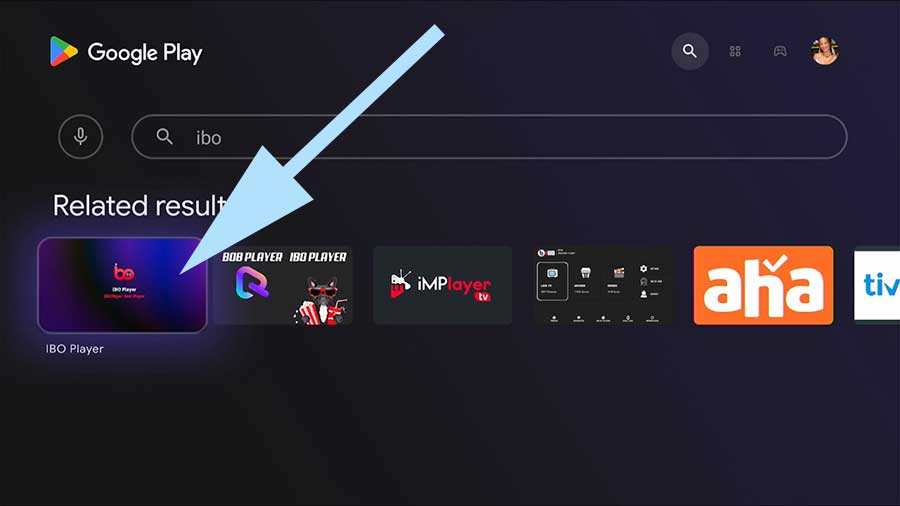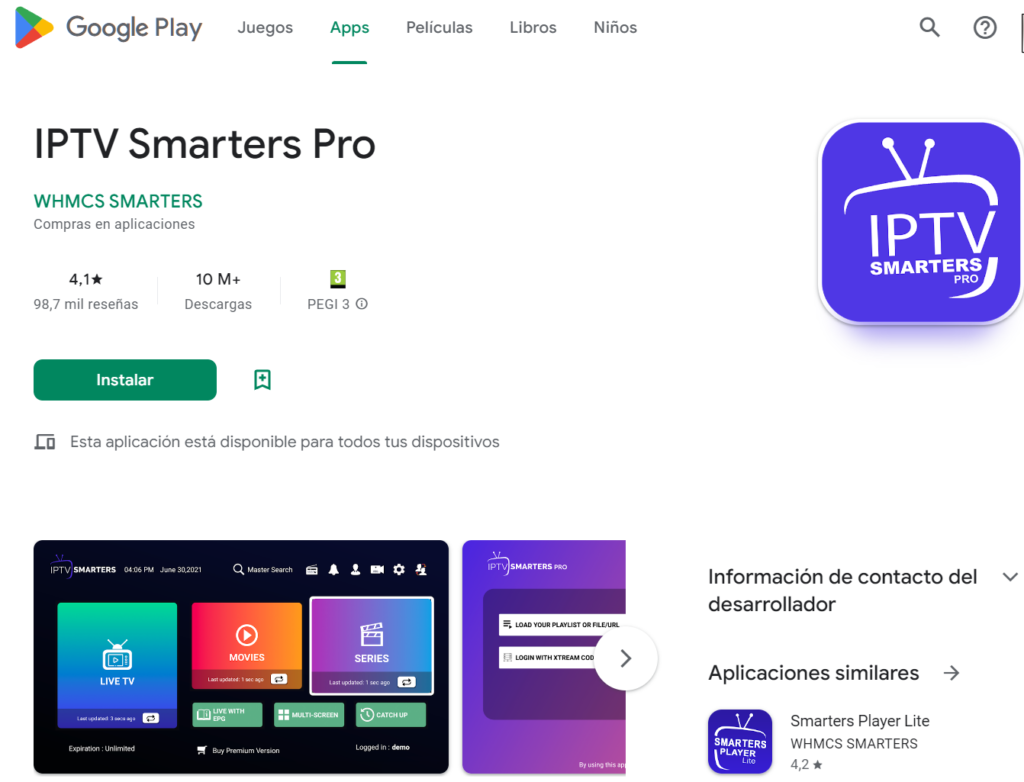
📱 iPhone & iPad
Step-by-step guide for installing the IPTV
App: IPTV Smarters Player (free via the App Store)
✅ 1. Download IPTV Smarters Player
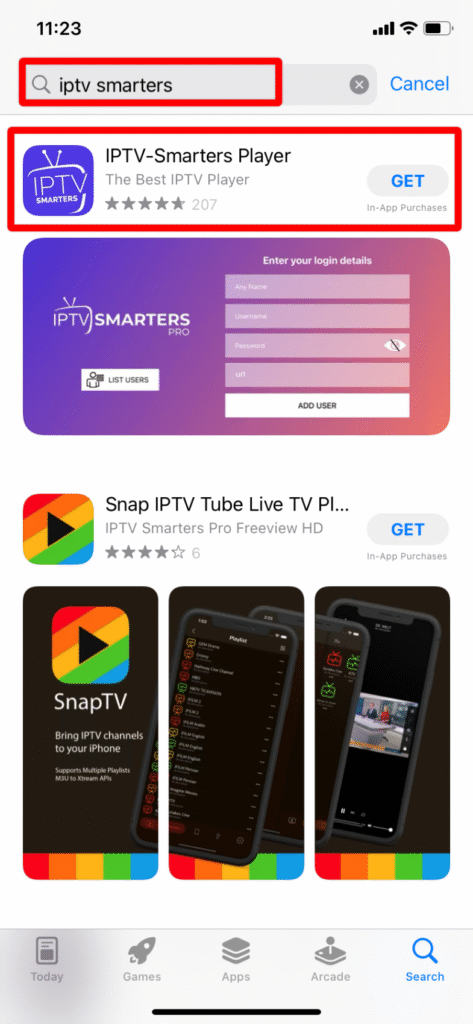
Open the App Store on your iPhone or iPad.
Search for IPTV Smarters Player.
Tap ‘Download’ and install the app.
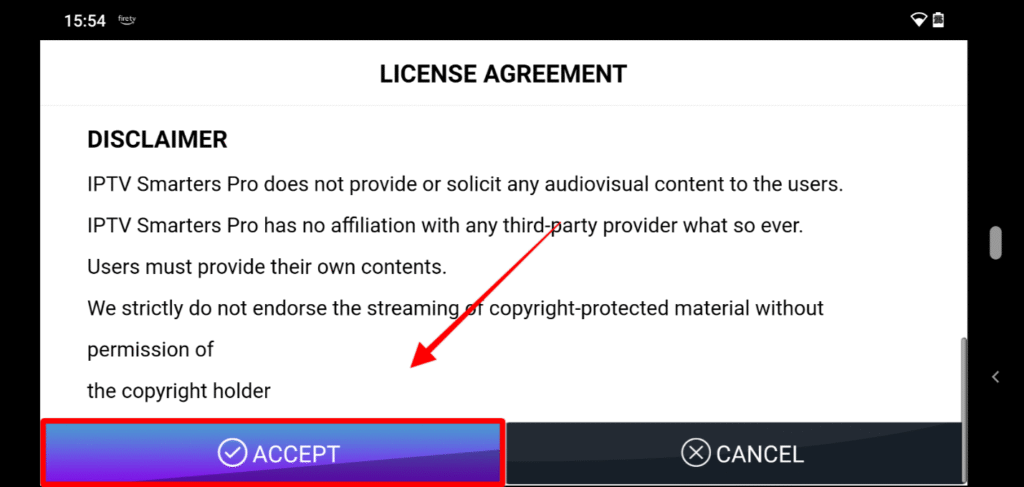
✅ 2. Open the app and accept the terms and conditions. Open IPTV Smarters Player.
Accept the general terms and conditions if requested.
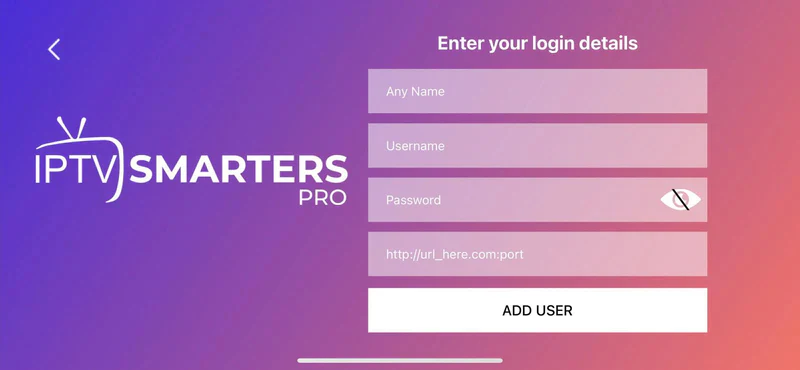
✅ 3. Log in with your IPTV details. Select ‘Log in with Xtream Codes API’.
Enter the details you received from Eagle IPTV :
Username
Password
Server URL
Give your profile a name, for example: IPTV Eagle.
Tap ‘Add user’.
✅ 4. Start watching
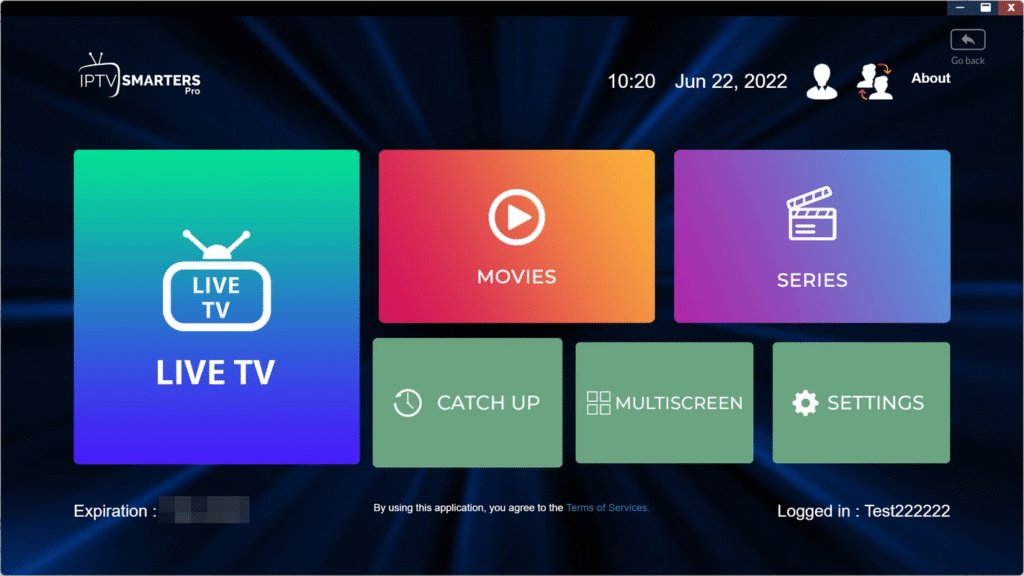
The app automatically loads your channel list and VOD.
Choose between Live TV, Movies, or Series. Enjoy watching!
💡 Tip:
Use a stable Wi-Fi connection for the best image quality. A VPN is recommended for extra security.